Invoices
How to invoice a Serbian company on Android
From picking the client to an issued invoice with a payment QR code.
Example: an invoice to "Studio Kvadrat doo" in Novi Sad for a catalogue design and print preparation. Tefter adds every note a flat-rate business must include.
-
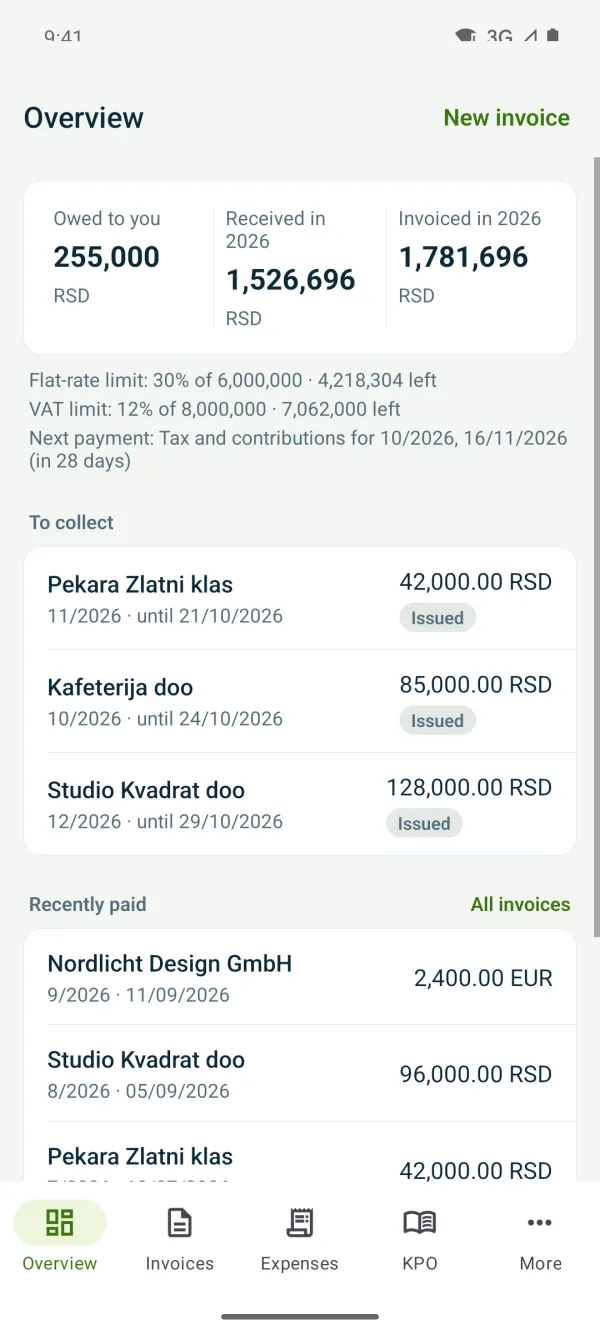
1New invoice
On “Overview” or “Invoices” tap “New invoice”.
-
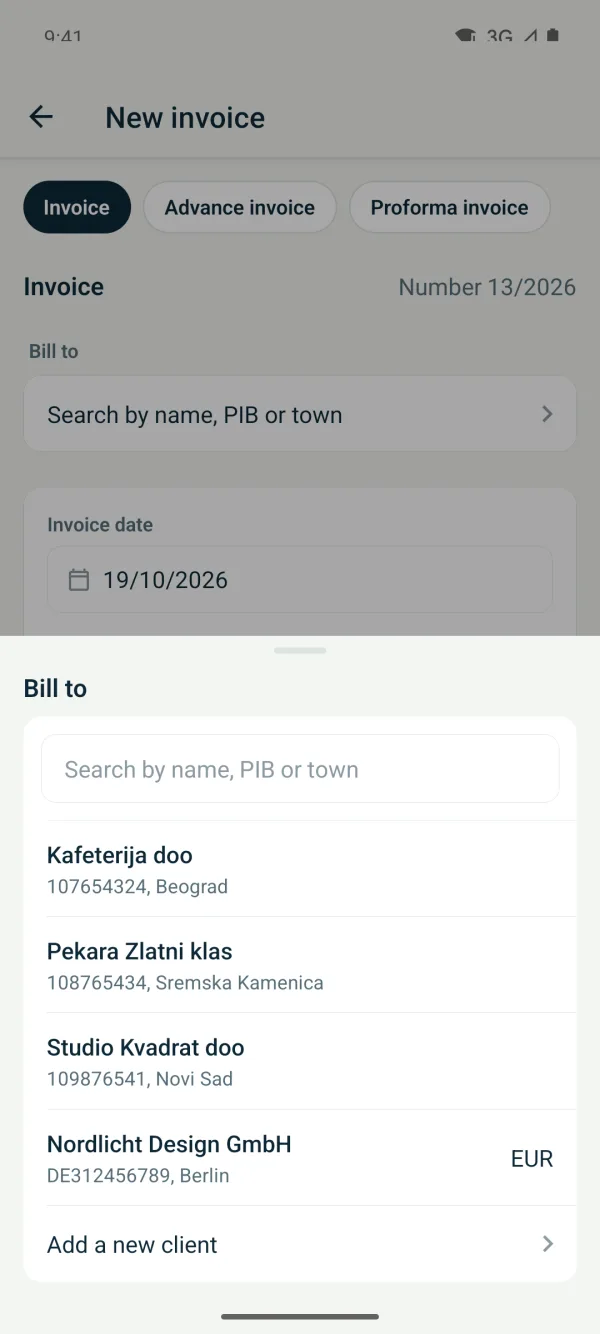
2Pick the client
In “Bill to” type the name or tax number. If the client doesn't exist yet, choose “Add a new client” and add it by tax number.
-
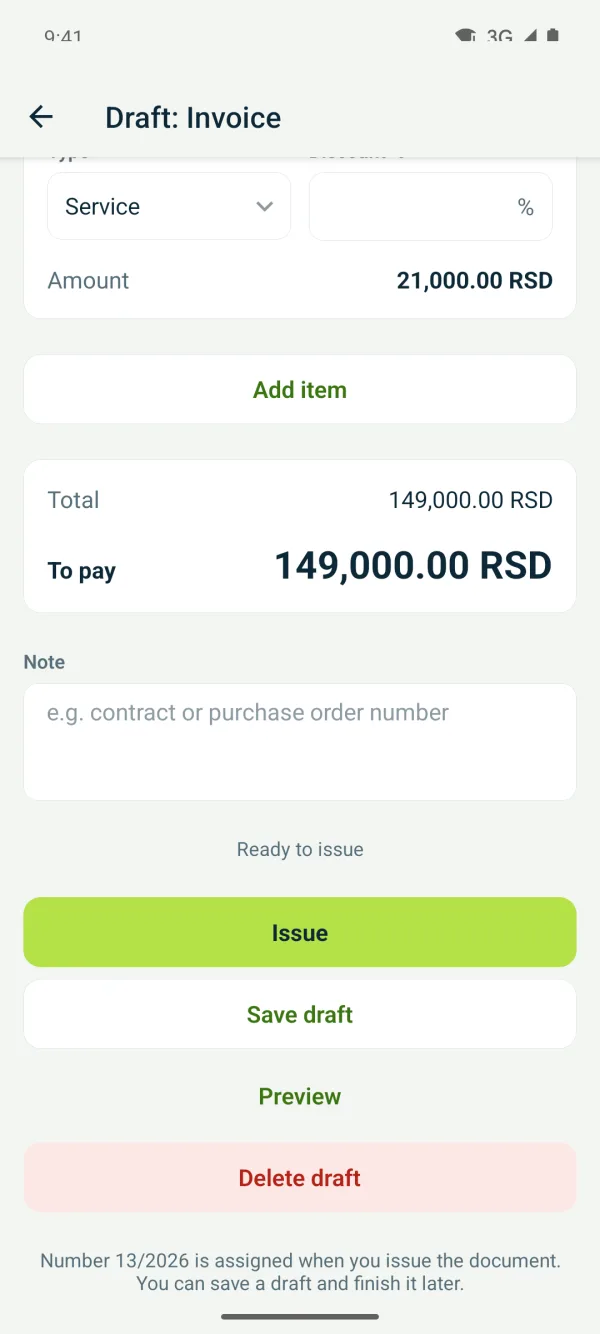
3Add the items
Type the “Service or product”, quantity, unit and price. For another line click “Add item”. Totals calculate themselves.
-
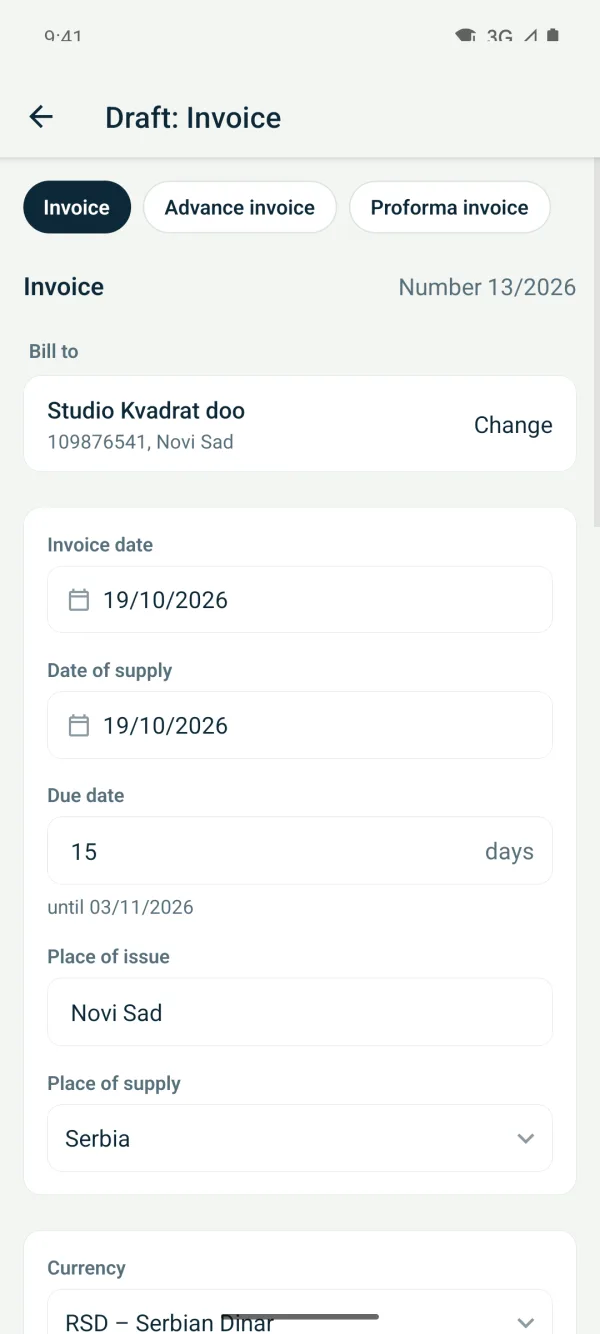
4Check the dates and due date
The “Invoice date” and date of service are today, and the “Due date” follows the client's setting. Change them if needed.
-
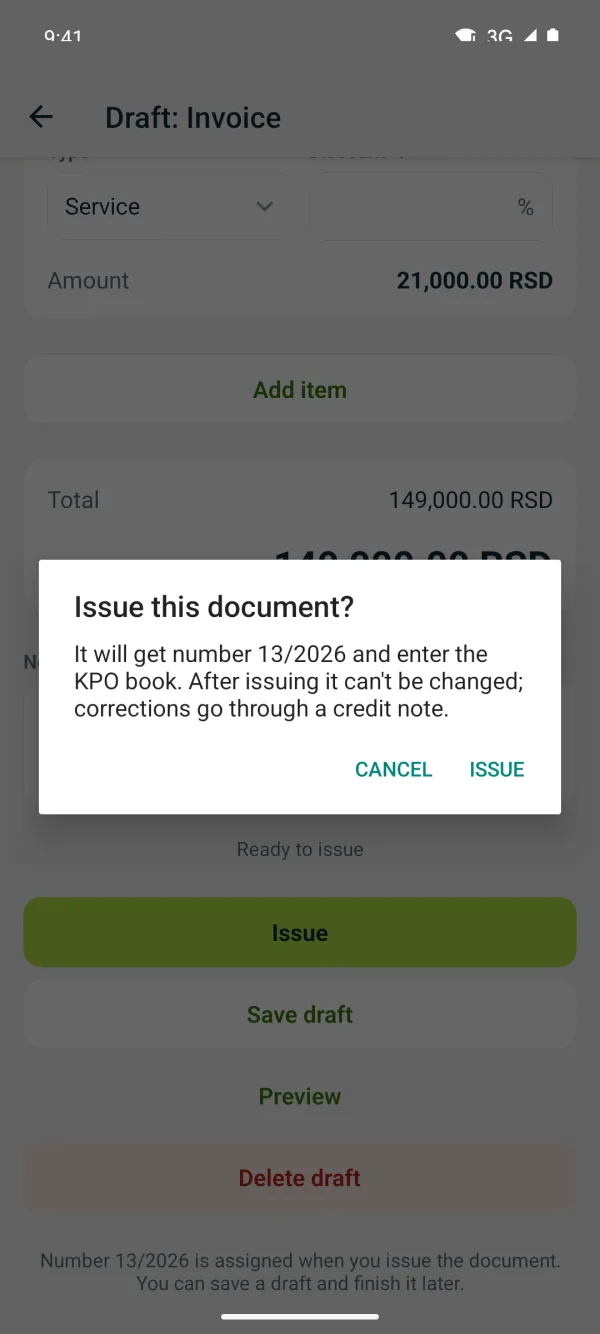
5Issue the invoice
Tap “Issue” and confirm. The invoice gets its number and goes into the KPO book.
Related guides
Didn't find the answer? Write to podrska@tefter.online