Clients, accounts and items
How to add a dinar or foreign-currency account on a computer
One or more accounts, and which one prints on which invoice.
You can have several accounts. Dinar invoices print the account for dinar payments; foreign-currency invoices print the IBAN and SWIFT of the foreign-currency account.
-
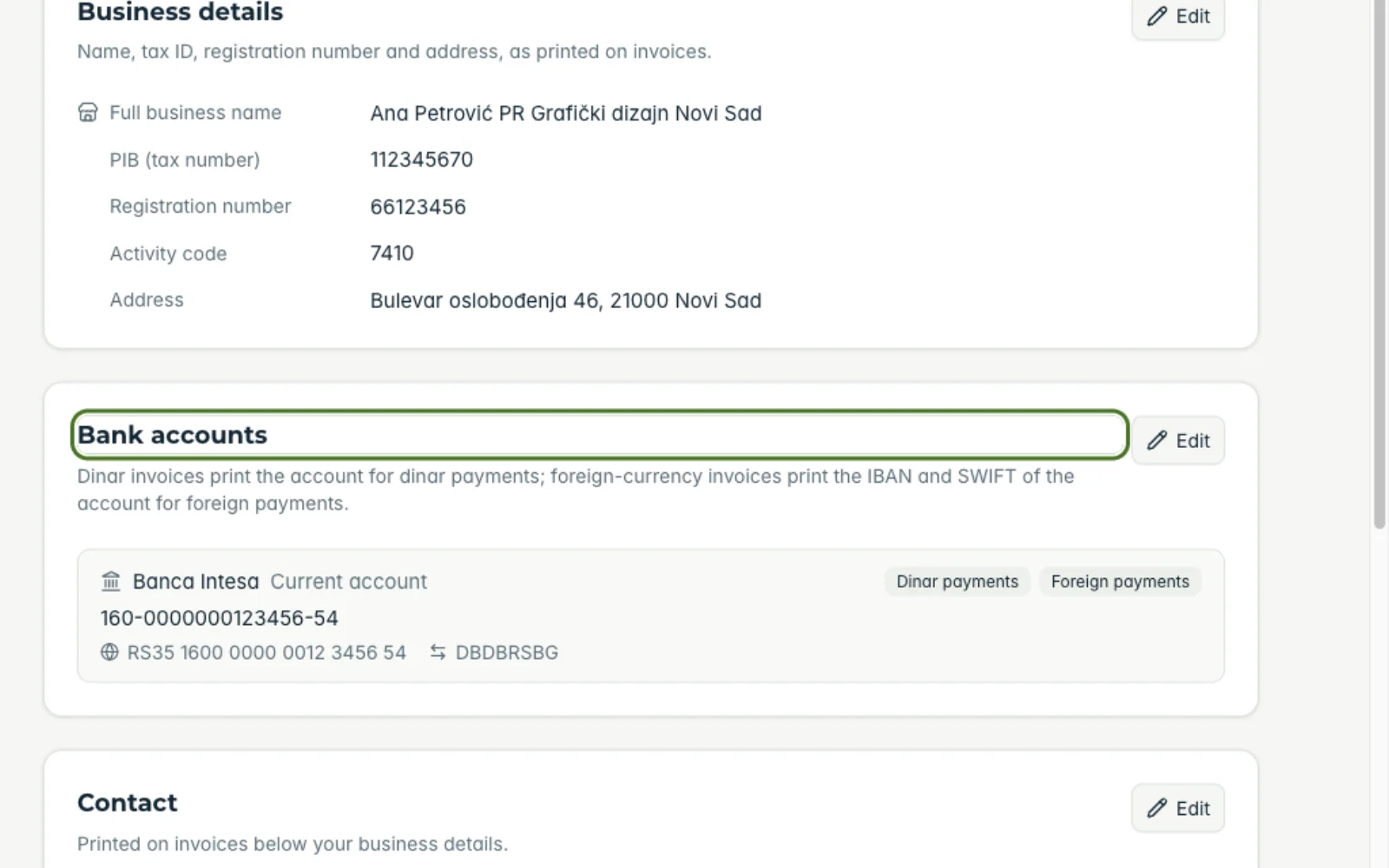
1Open bank accounts
Under “My business” find “Bank accounts”.
-
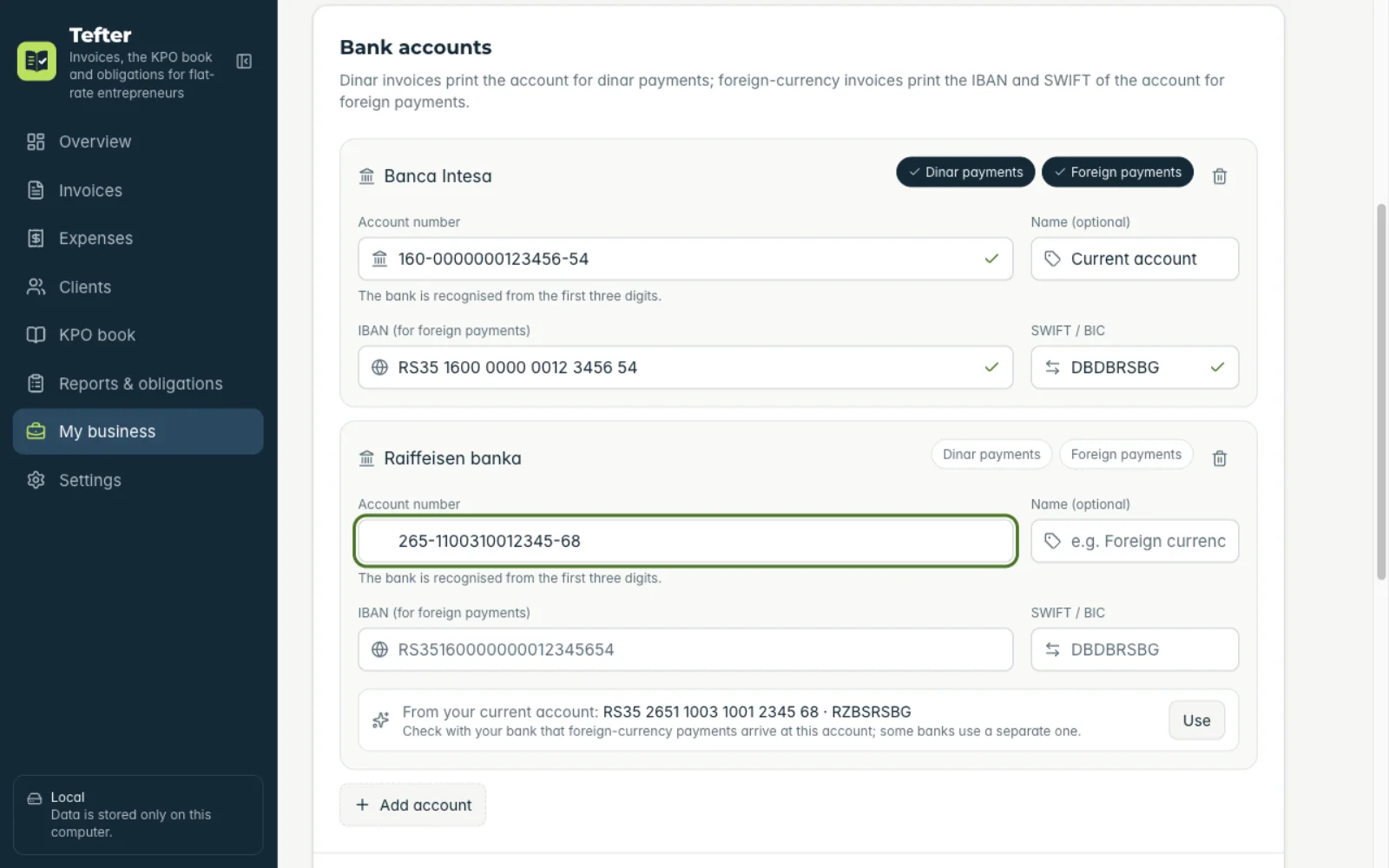
2Add an account
Click “Add account” and enter the account number. For a foreign-currency account also enter the IBAN and SWIFT; Tefter suggests the IBAN from the account number, which you check with your bank.
-
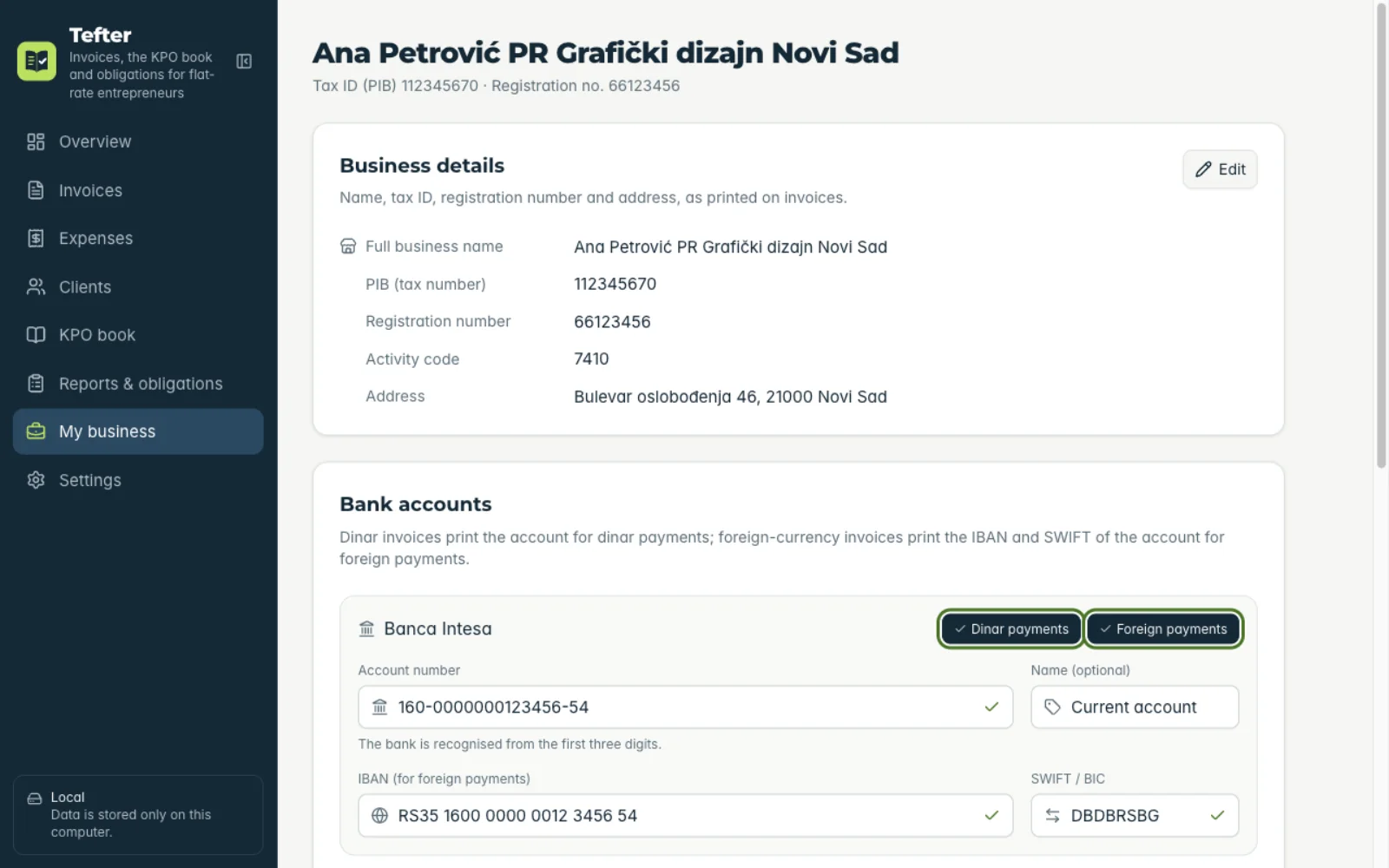
3Set what it's for
Mark which account is for “Dinar payments” and which for “Foreign payments”, then save.
Related guides
Didn't find the answer? Write to podrska@tefter.online