Invoices
How to issue a proforma and an advance invoice on iPhone
A quote, an advance and a final invoice that deducts the advance by itself.
A proforma is a quote and doesn't go into the KPO book. An advance invoice is issued when the client pays upfront, and the final invoice deducts the advance.
-
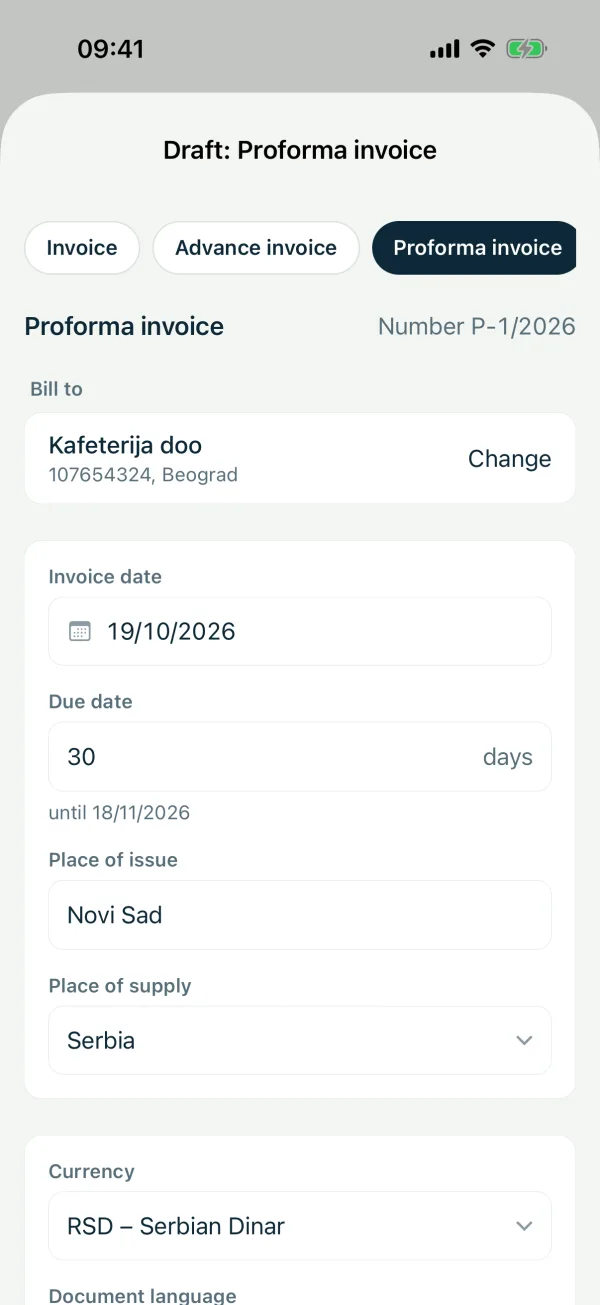
1Proforma
Under “Invoices” choose “Proformas” and tap “New invoice”. Pick the client, fill in the items and issue it.
-
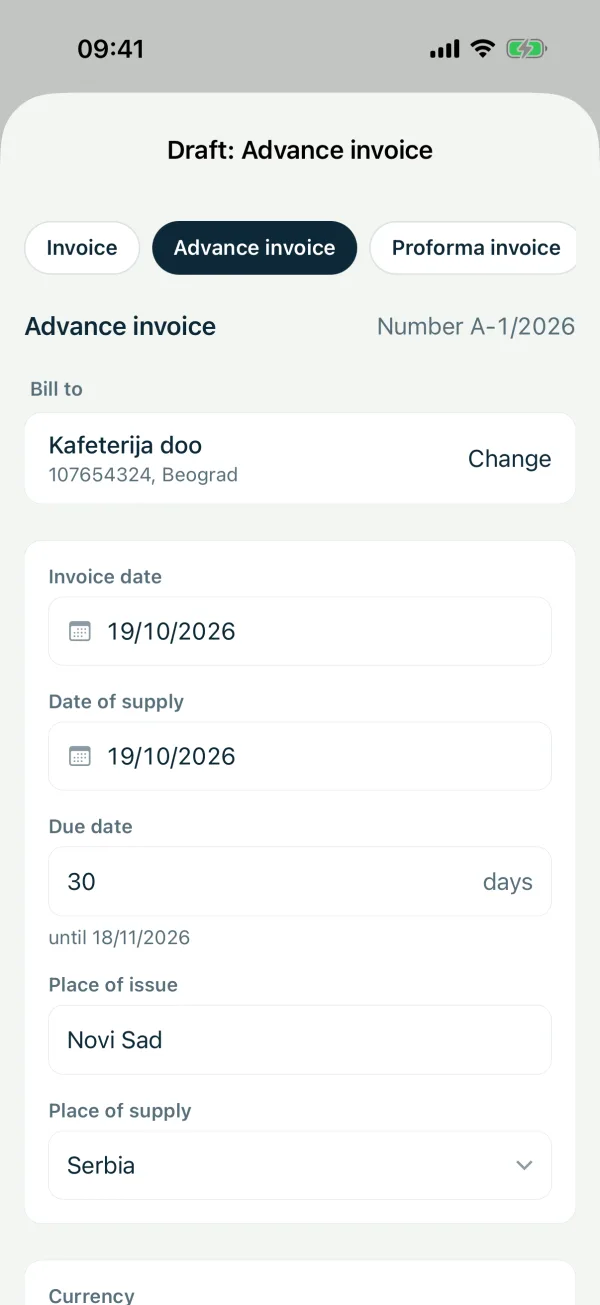
2Advance invoice
When the advance arrives, under “Invoices” choose “Advances”, tap “New invoice” and enter the amount paid. It goes into the KPO book.
-
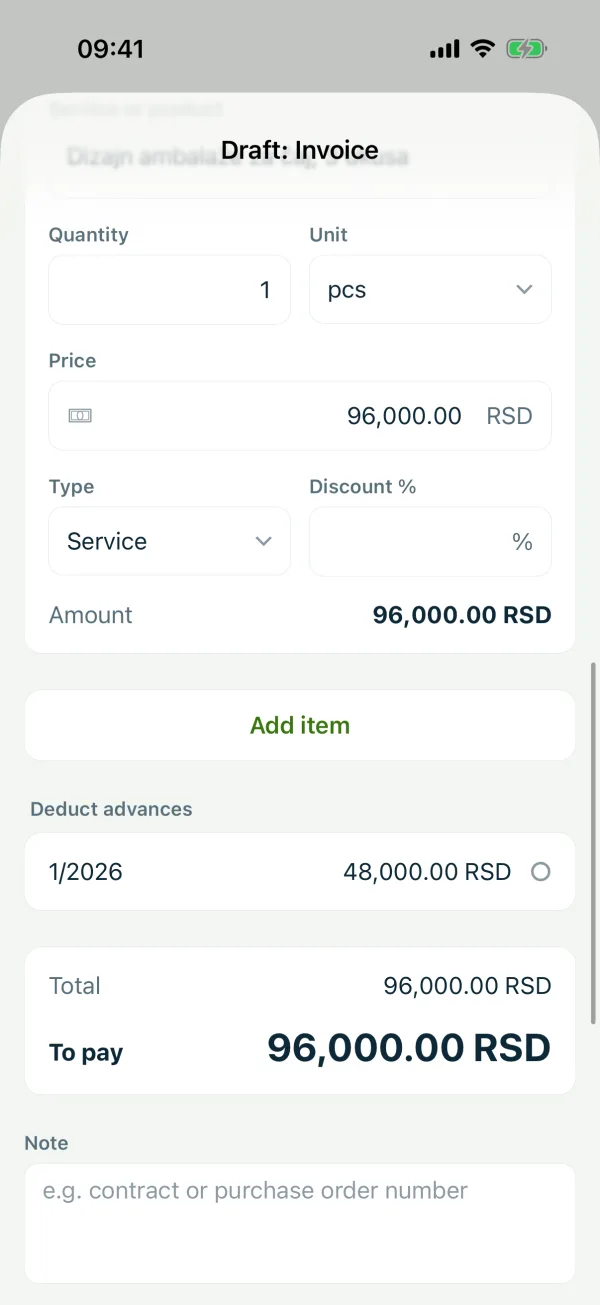
3Final invoice
On the final invoice, under “Deduct advances”, pick the advance invoice. The advance is deducted from the amount due and only the difference goes into the KPO book.
Related guides
Didn't find the answer? Write to podrska@tefter.online