KPO, limits and tax
How to view and print the KPO book on a computer
For any period, as a PDF or a spreadsheet.
The KPO book (the flat-rate income ledger) fills itself from issued invoices. You must keep it and show it to an inspector on request.
-
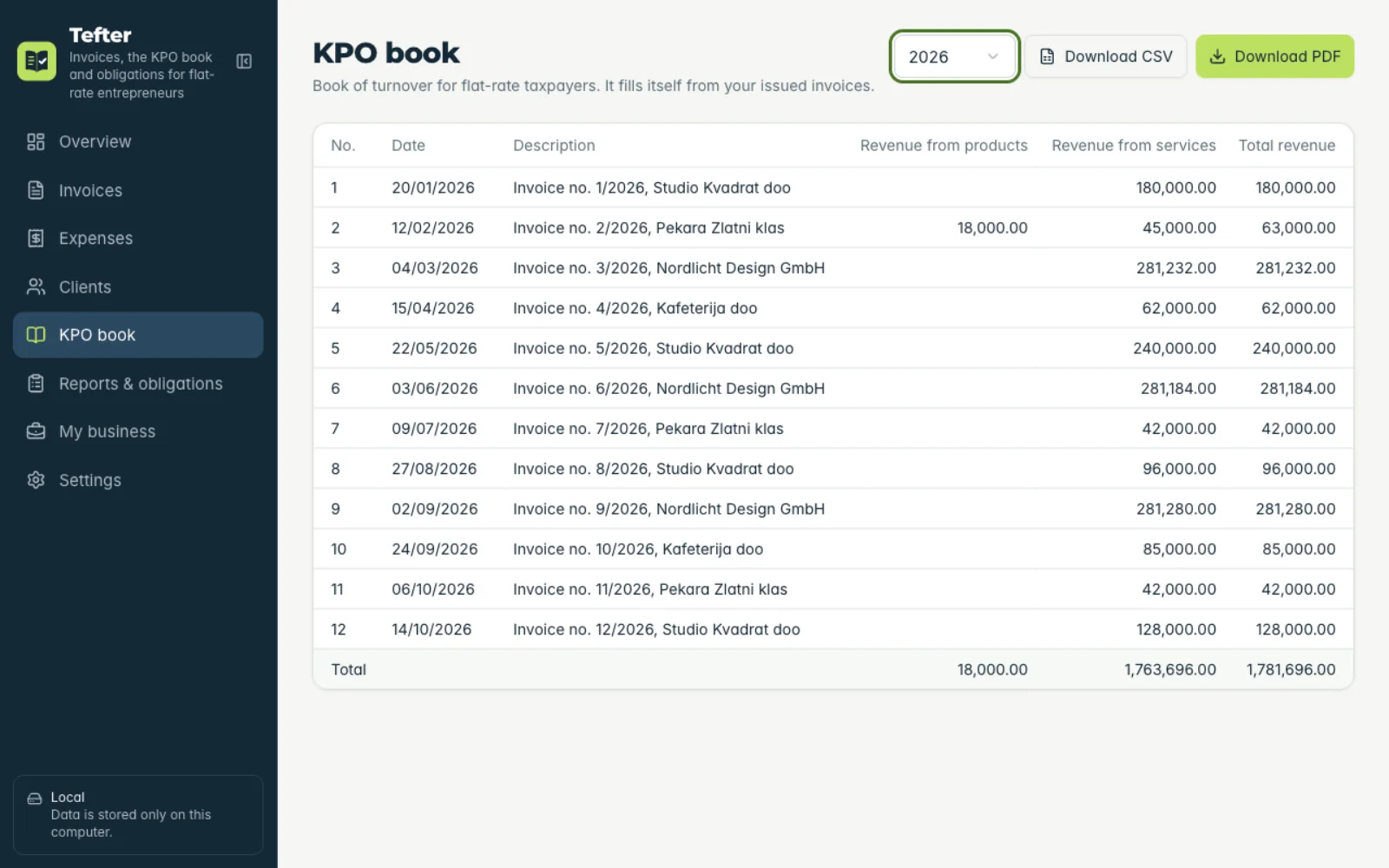
1Open the KPO book
In the menu click “KPO book” and pick the year.
-
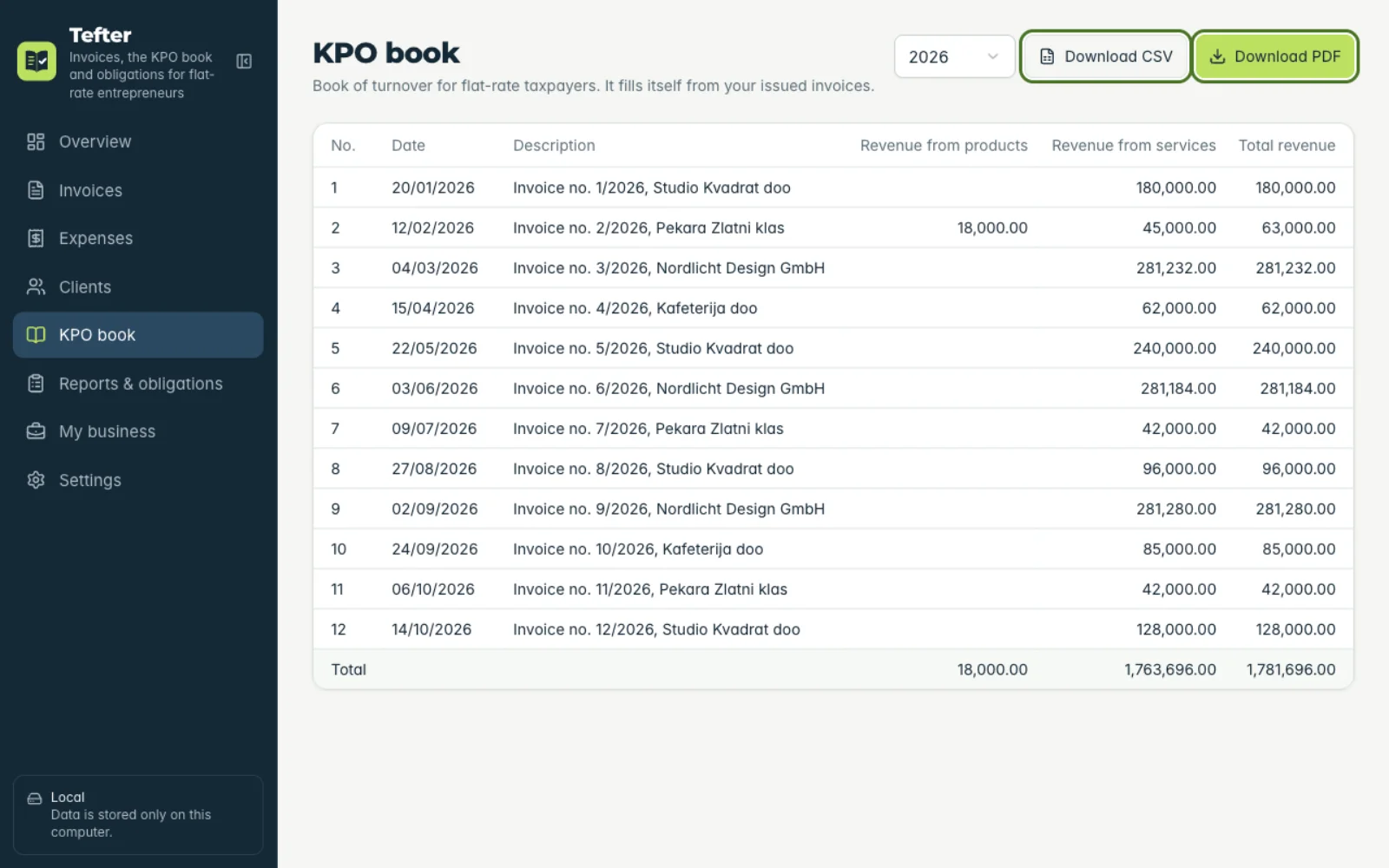
2Download or print
Click “Download PDF” for the print-ready form, or “Download CSV” for a spreadsheet.
Related guides
How to prepare documents for a tax inspectionHow to keep track of the 6 and 8 million limitsAll guides
Didn't find the answer? Write to podrska@tefter.online