Invoices
How to invoice a foreign company on iPhone
In euros or dollars, in English, with the NBS rate and your foreign-currency account.
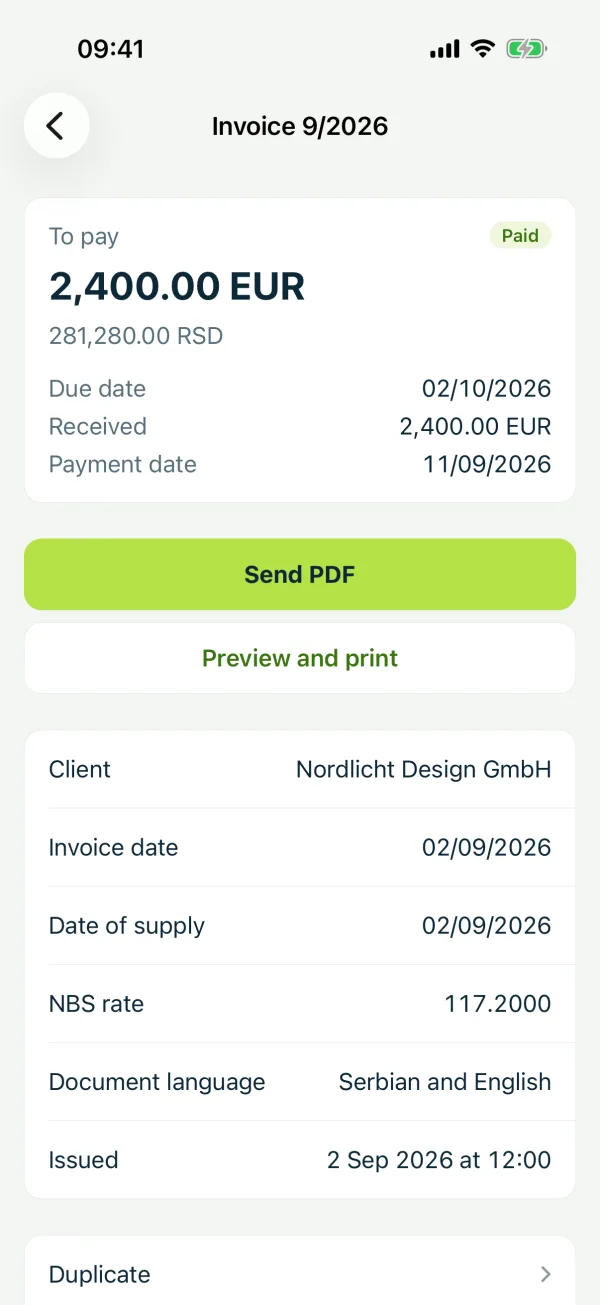
Example: an invoice to the German company "Nordlicht Design GmbH" in Berlin for mobile app design, in euros, in Serbian and English.
-
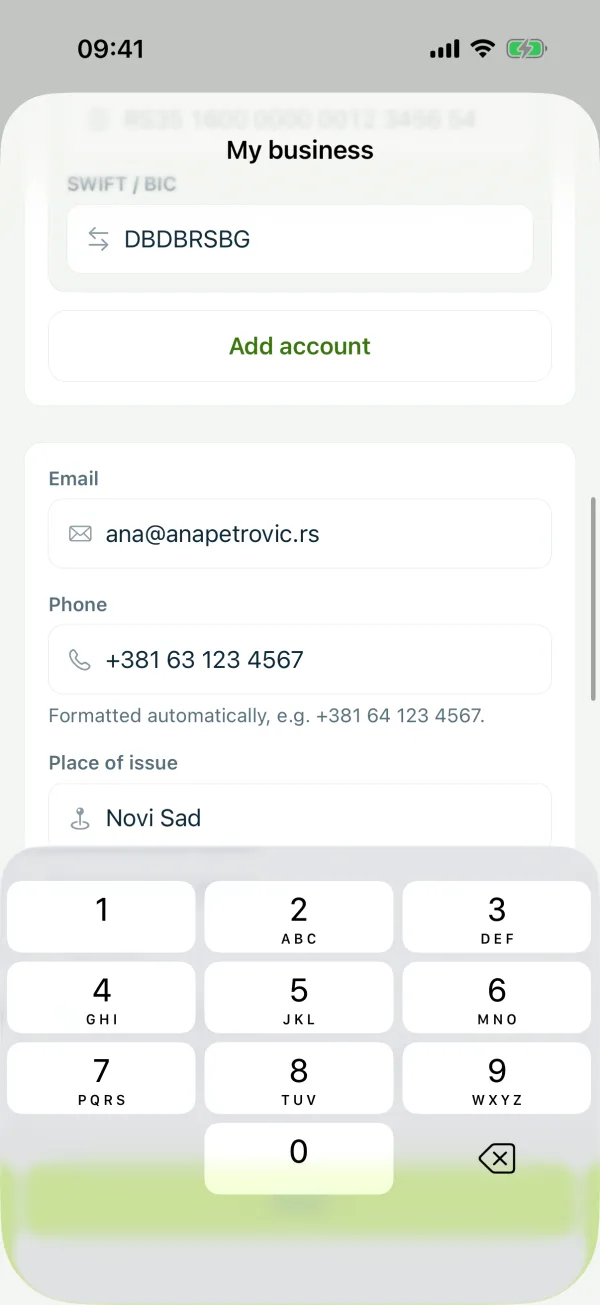
1Add your foreign-currency account
Once: “More” → “My business” → “Bank accounts” and add an account for “Foreign payments”.
-
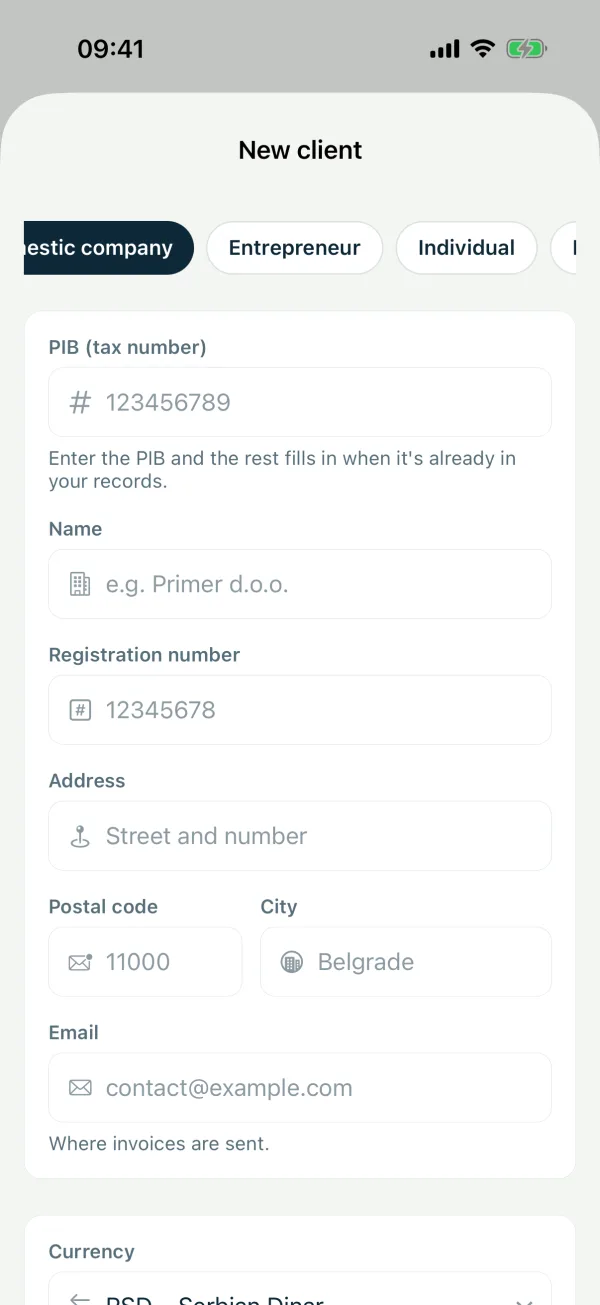
2The foreign client
Add the client as “Foreign company”: name, address, country and VAT ID. Set the invoice currency and language on the client so they apply to every future invoice.
-
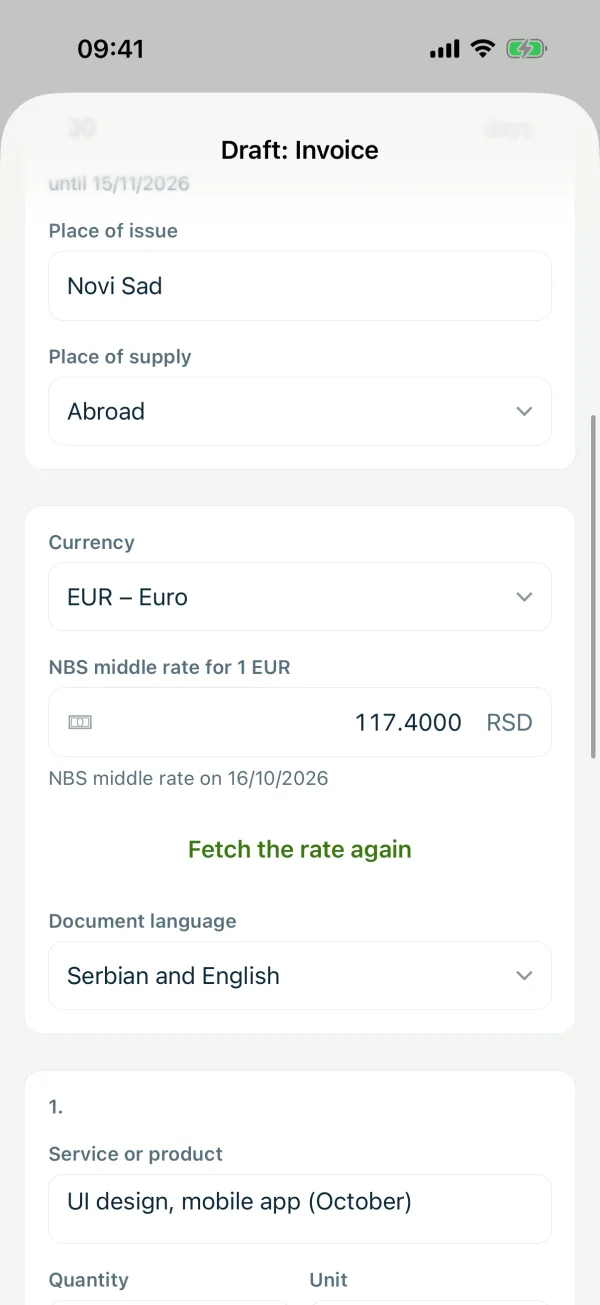
3Currency and rate
On the invoice choose “Currency” EUR. The “NBS rate” for the date of service is fetched for you; the dinar amount goes into the KPO book.
-
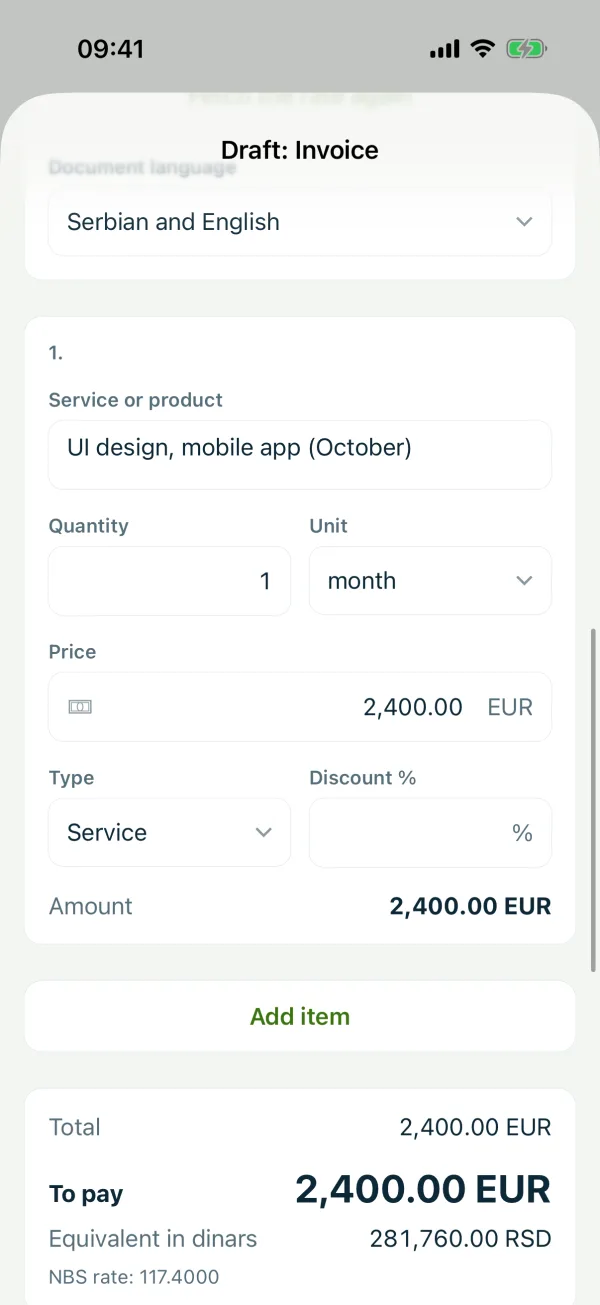
4Invoice language
In “Document language” choose “Serbian and English”. The invoice prints in both languages.
-
5Issue
Tap “Issue” and confirm.
Related guides
Didn't find the answer? Write to podrska@tefter.online