Getting started
How to download and install Tefter on Android
For Windows, macOS, Linux, iPhone and Android, including the first launch.
Tefter runs on computers (Windows, macOS, Linux), phones (iPhone, Android) and in a browser. On computer and phone it's free and works without an account.
-
1Open the download page
On your phone open tefter.online and tap "Download for free", then iPhone or Android. From a computer you can scan the QR code on the phone's page.
-
2Install the app
iPhone: on the App Store tap "Get". Android: on Google Play tap "Install".
-
3Choose how you work
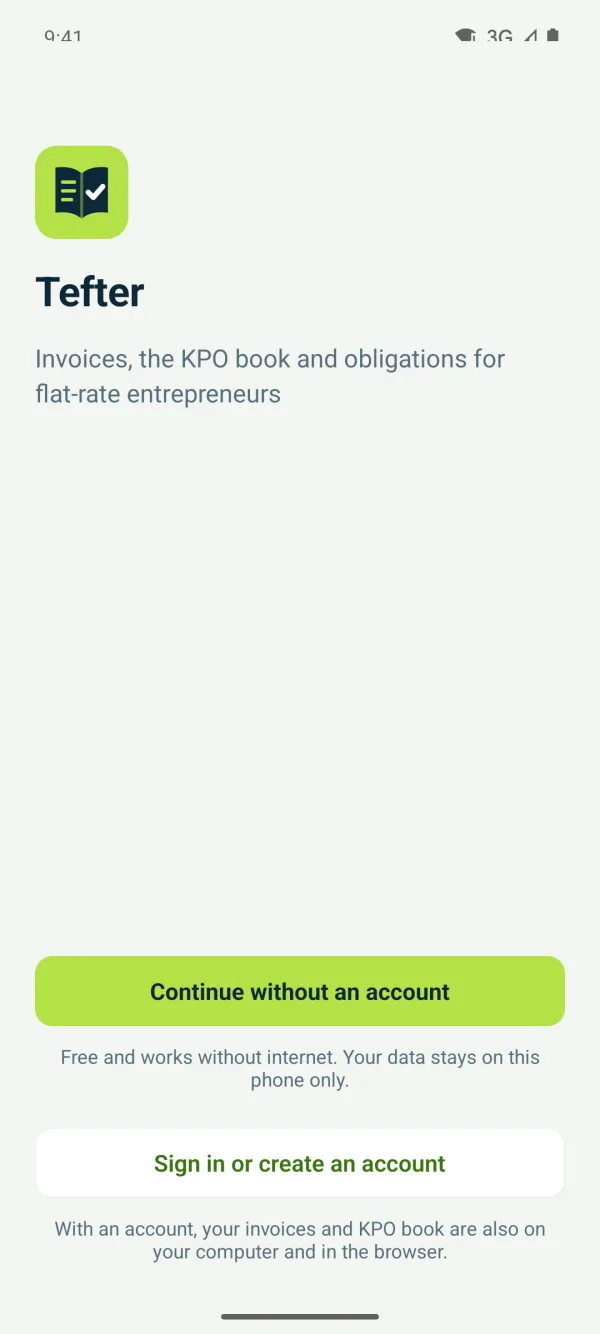
On first launch choose “Continue without an account” (data stays on the phone) or “Sign in or create an account”.
Related guides
Didn't find the answer? Write to podrska@tefter.online