Invoices
How to correct or cancel an issued invoice on iPhone
An issued invoice can't be changed; it's corrected with a credit note.
By law an issued invoice can't be changed or deleted. A mistake is corrected with a credit note that cancels the invoice; then you issue a new one.
-
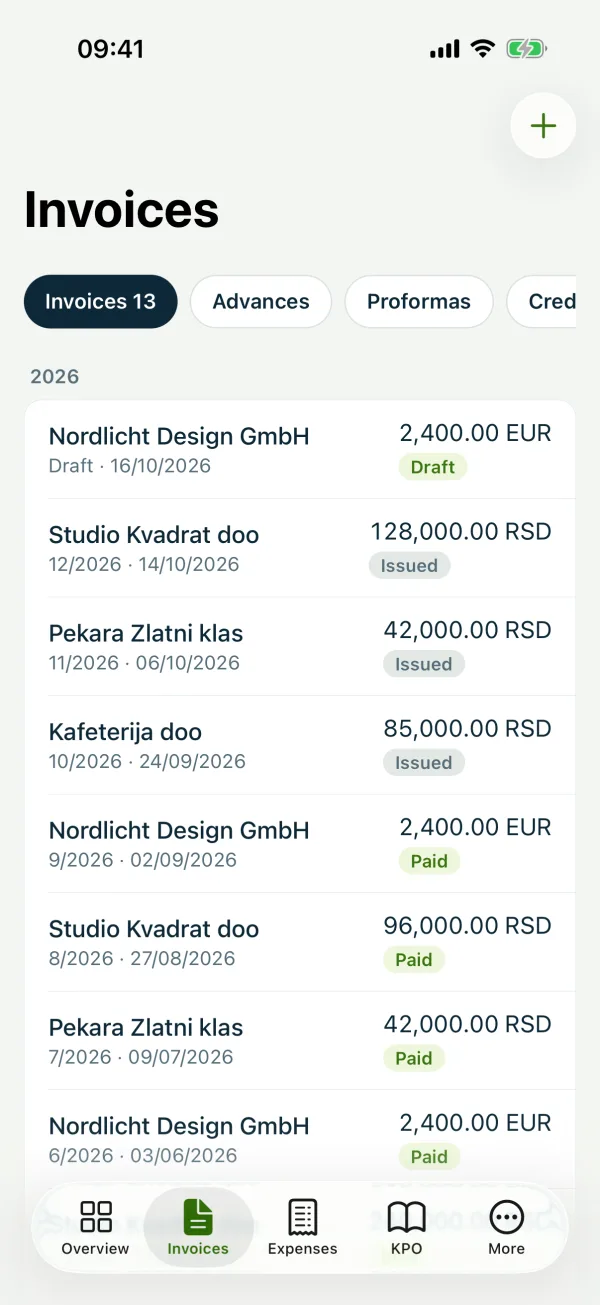
1Open the invoice
Under “Invoices” open the invoice you're correcting.
-
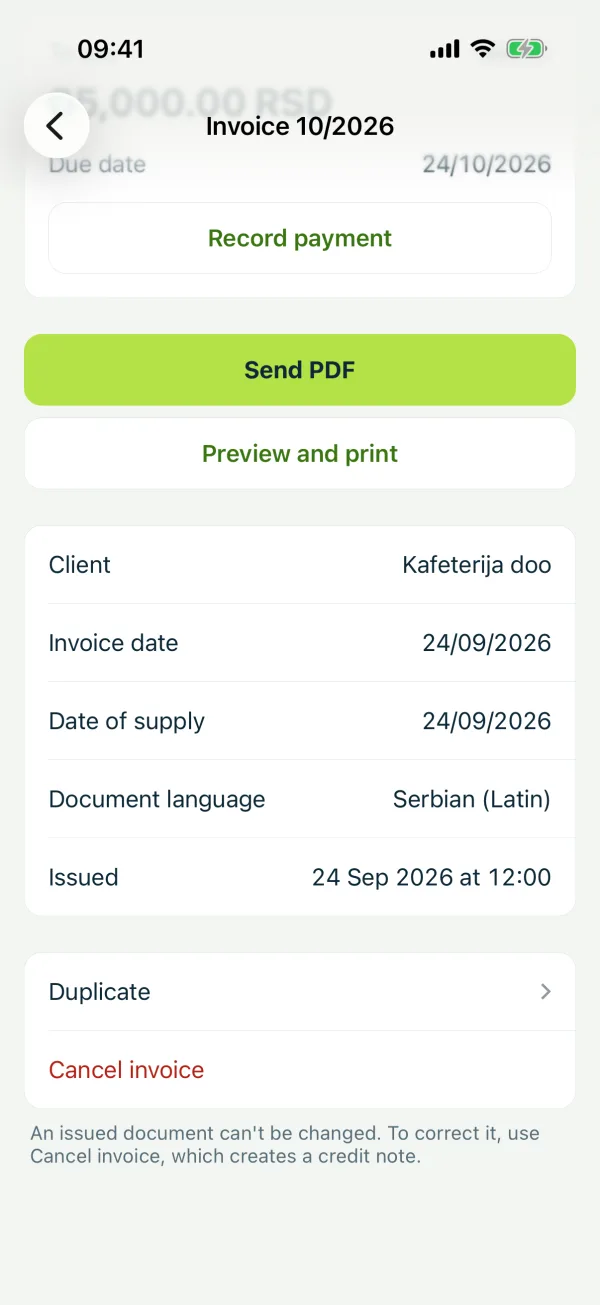
2Cancel it
Tap “Cancel invoice” and confirm.
-
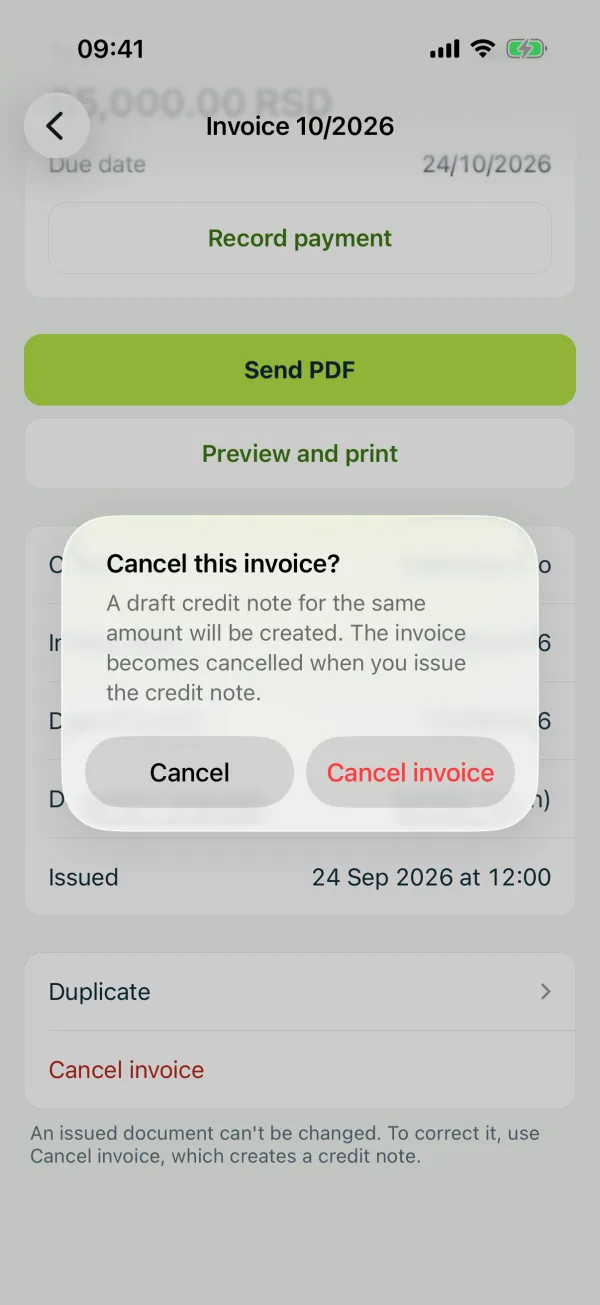
3Issue the credit note and a new invoice
Issue the credit note: the invoice is marked cancelled and the KPO book is reduced. Then create the correct invoice; “Duplicate” keeps the items.
Related guides
Didn't find the answer? Write to podrska@tefter.online