Account and data
How to back up and move your data on a computer
Automatic backups, export to one file and moving to another device.
Without an account, your data is only on your device. That's why Tefter makes backups, and you can keep them off the device too.
-
1Automatic backups
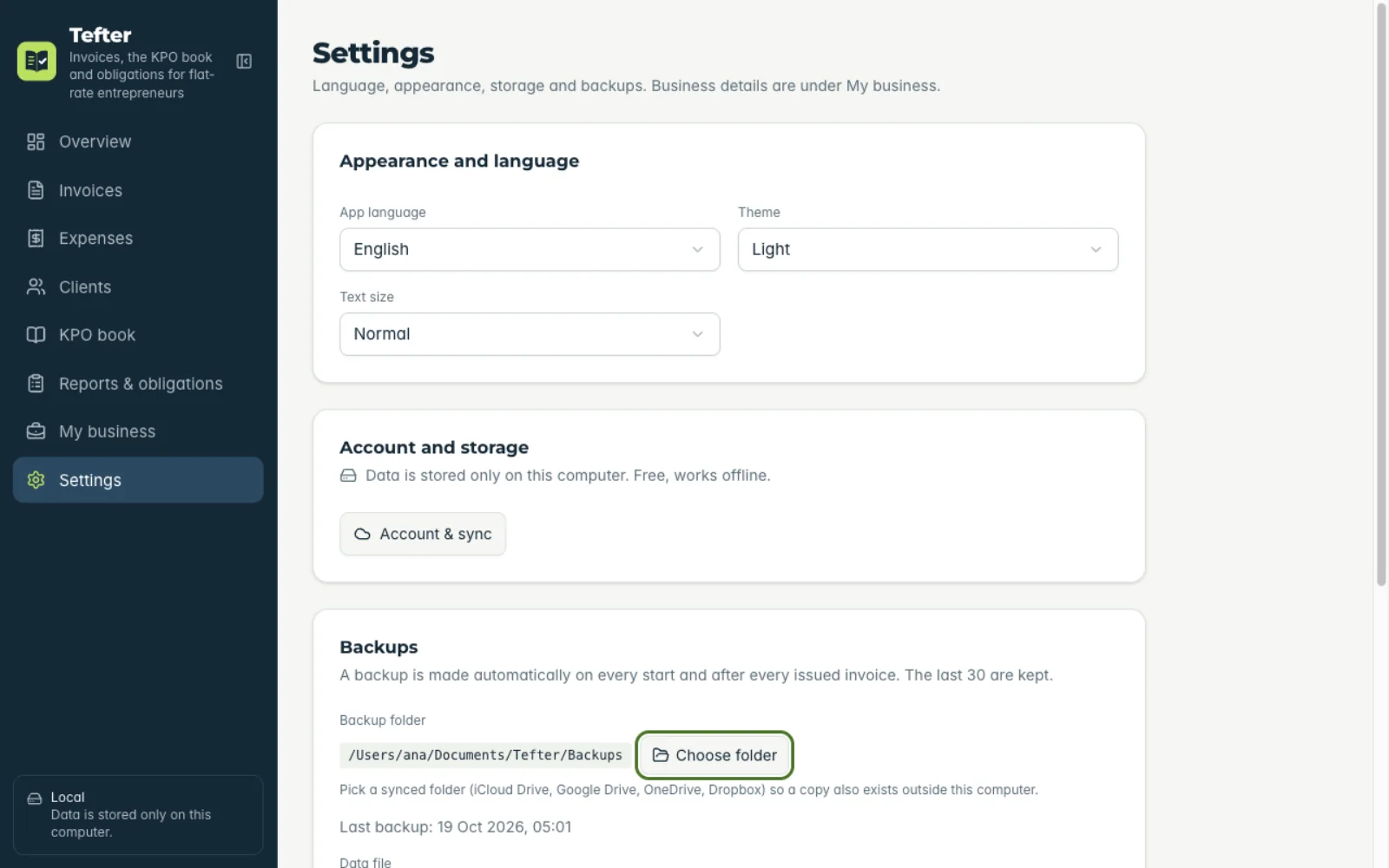
Under “Settings” → “Backups” click “Choose folder” and pick a synced folder (iCloud Drive, Google Drive, OneDrive). A backup is made at every launch and after every issued invoice.
-
2Moving to another device
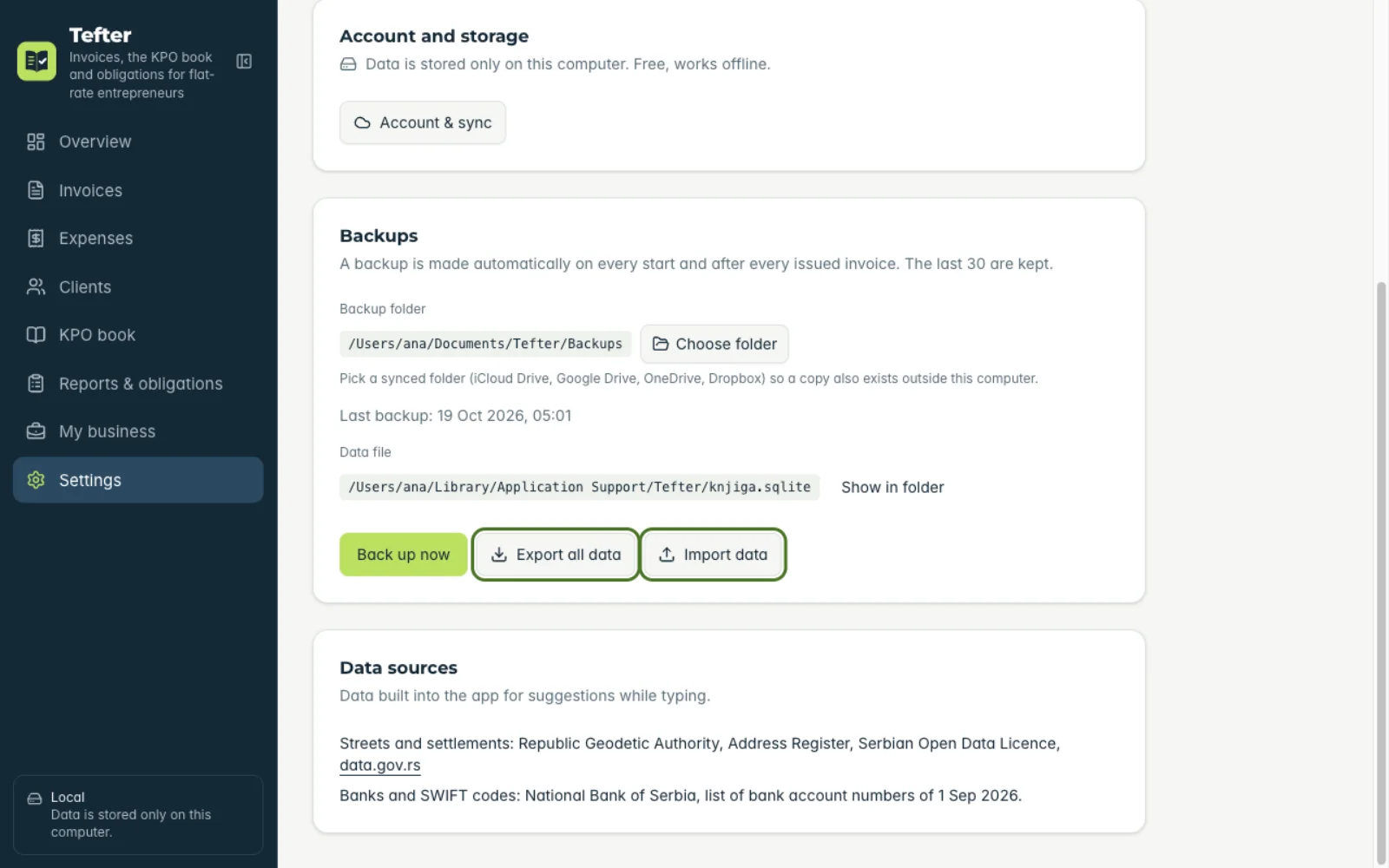
“Export all data” makes one file with all your data. On the other device choose “Import data” and that file.
Related guides
Didn't find the answer? Write to podrska@tefter.online