Expenses
How to add an expense by hand and export the record on a computer
For receipts without a QR code and to review costs by year.
For receipts without a QR code (for example from a supplier abroad) enter the cost by hand. Export the whole record as a PDF or a spreadsheet.
-
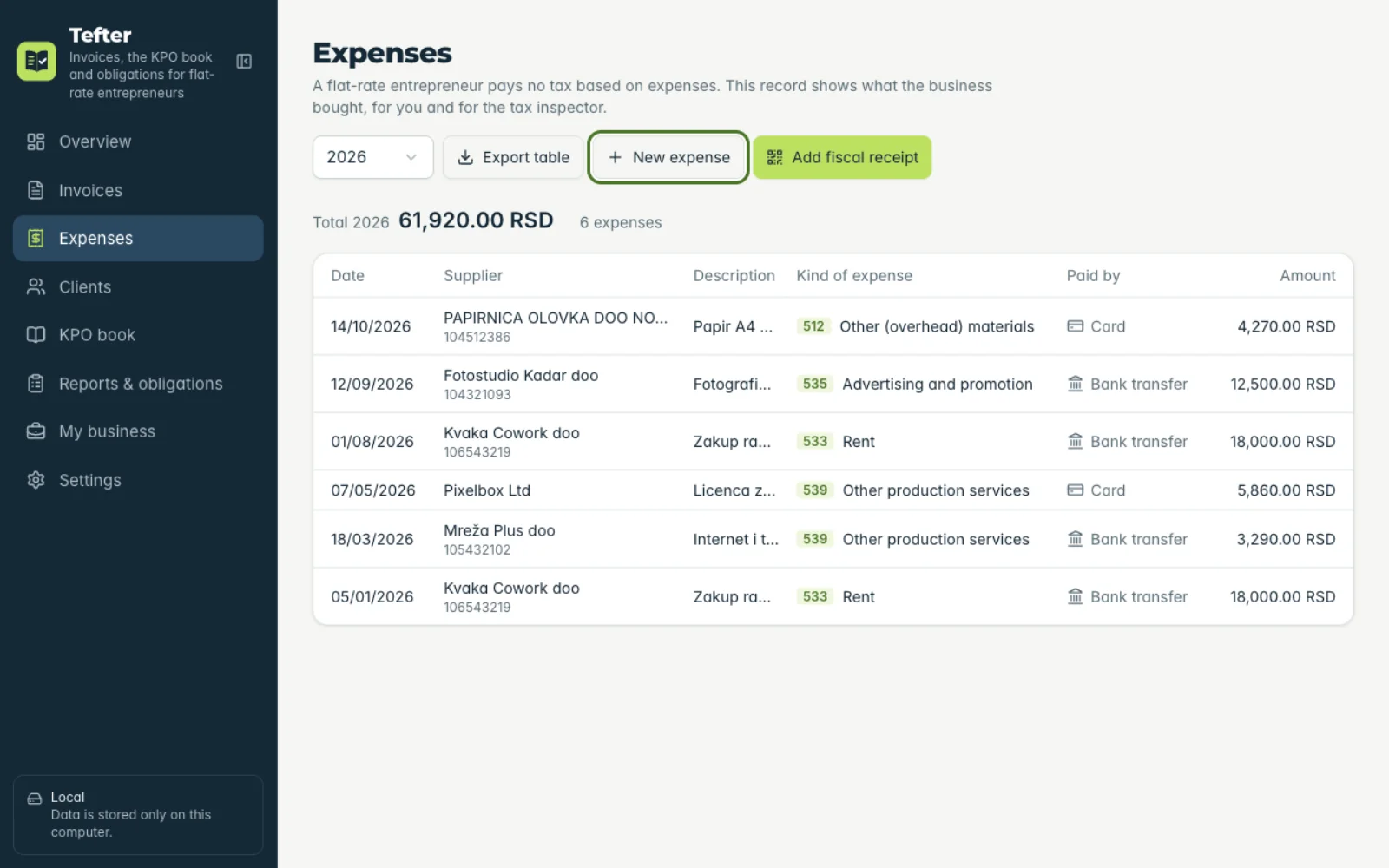
1New expense
Under “Expenses” click “New expense”.
-
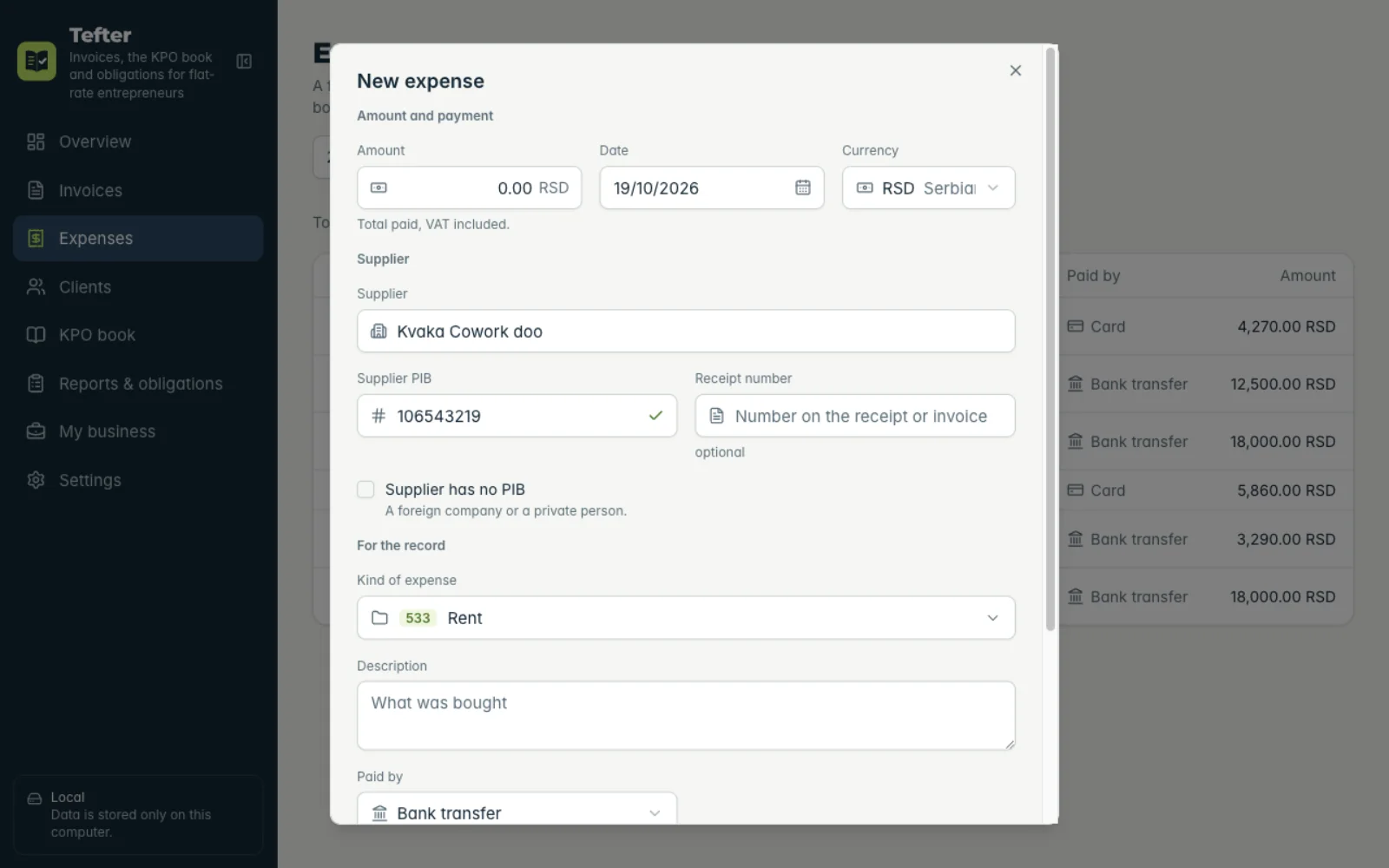
2Fill in the fields
“Date”, “Supplier”, “Supplier PIB” (or “Supplier has no PIB”), “Amount” and “Kind of expense”. Suppliers are suggested from earlier costs.
-
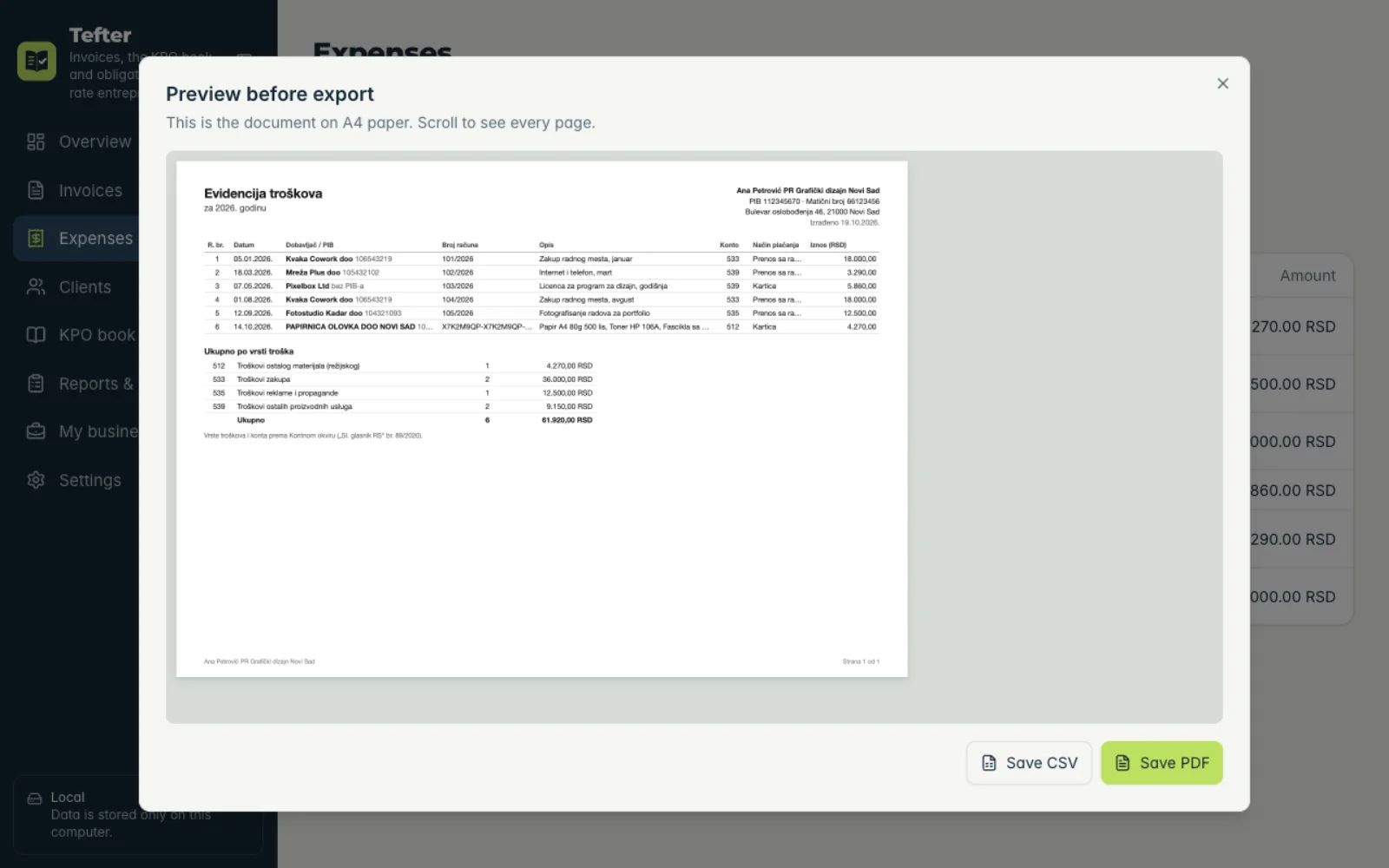
3Export the record
Click “Export table”: you see an A4 preview and save a PDF or CSV.
Related guides
Didn't find the answer? Write to podrska@tefter.online